NextClip Logo

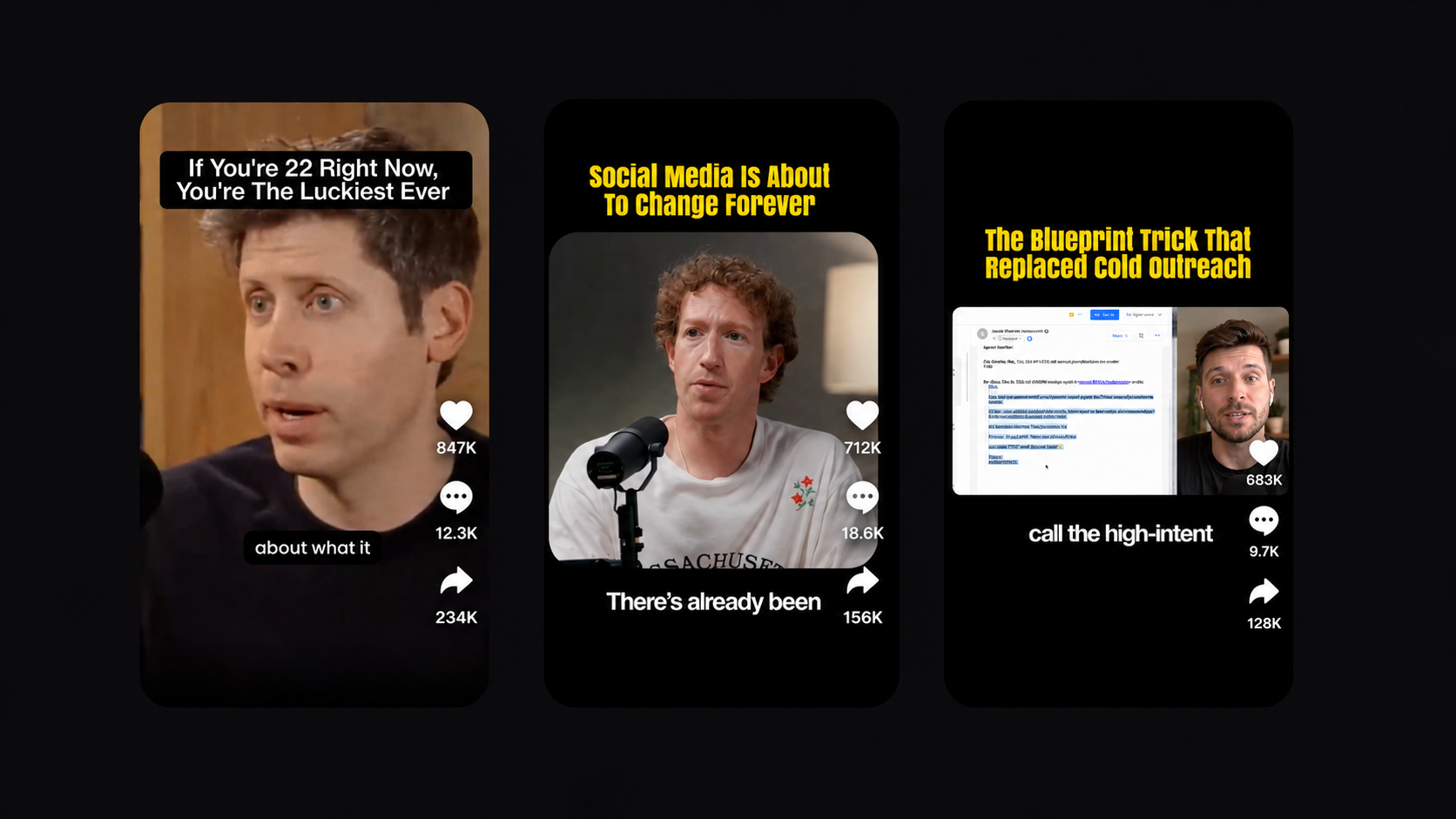
Turn your long-form videos into 10+ viral clips

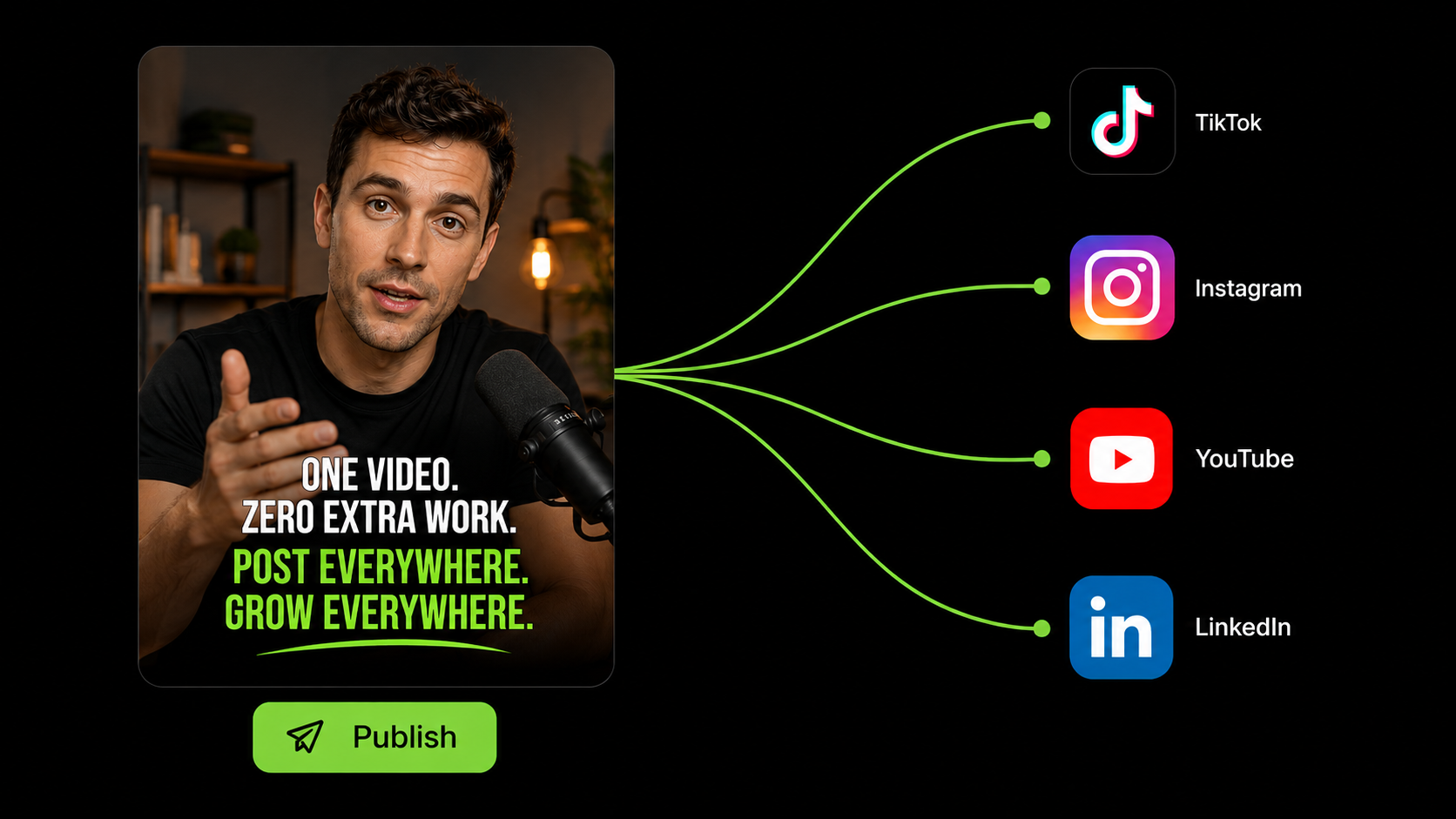
Upload any long video or paste a YouTube link. NextClip's AI finds the viral moments, adds viral hook text, captions, B-roll, and visuals — and delivers polished shorts you can post on TikTok, Reels, and YouTube Shorts. No fixing required.

Get Started For Free

No credit card required

What You Get

Raw Footage to Post-Ready Shorts. In Minutes.

No timeline wrestling. No manual B-roll hunting. No caption cleanup. Upload once. Let the AI work. Post.

00:12:3496 viral score89 viral score81 viral score9:16auto1:1squareReframe · Caption · ExportHook generated:'This changed how I think about money'Export 3 clips →TikTok · Reels · Shorts

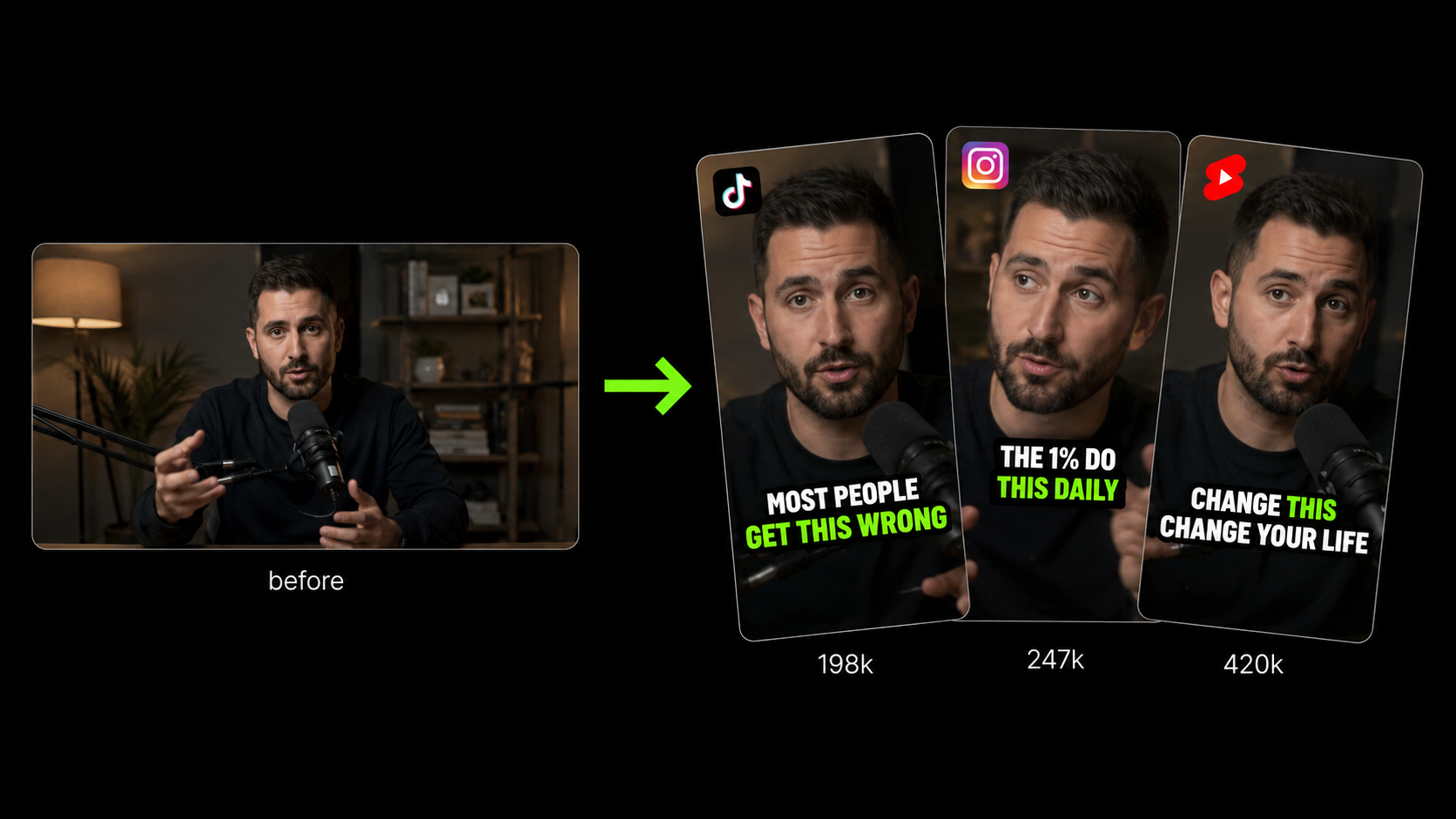
Your Best 60 Seconds, Found Automatically

Drop a link or upload your video. The AI scans every second, scores each moment for virality, and surfaces the clips most likely to stop the scroll — auto-reframed, captioned, and ready for every platform.

Don't miss thisone simple trickAaAaAaAaAaTemplatesBold PopMinimal CleanIMPACTSubtitle StyleCustomizeFont colorBg colornoneSizeAnimationPopSlide

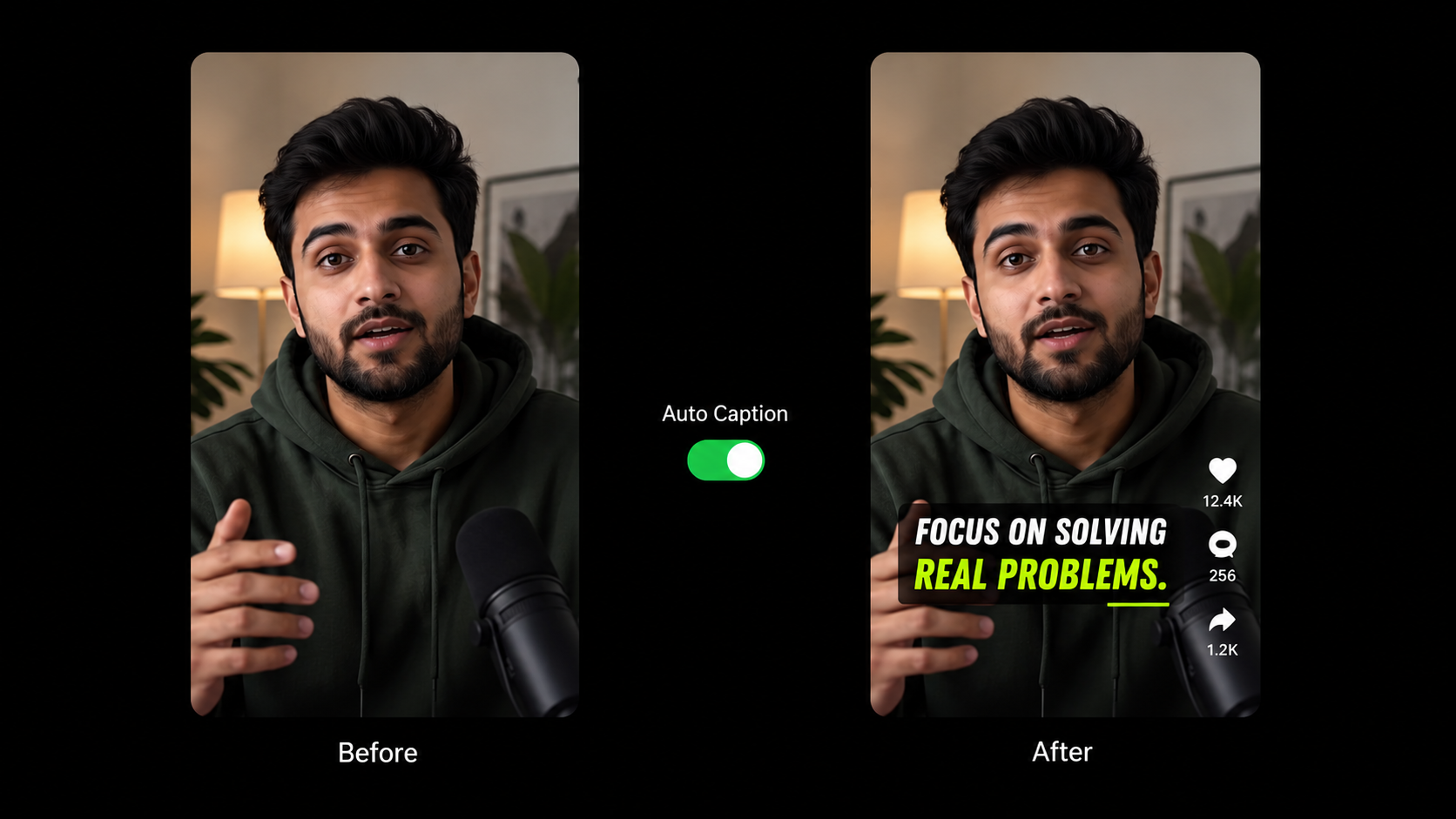
Captions Worth a Double-Take

Scroll-stopping caption templates applied automatically — not the five everyone else is using. Swap fonts, colors, and animations to match your brand in seconds.

TranscriptSo when you think aboutthe housing market right now,interest rates are risingand that affects every buyer.You need to understandthe Fed's decisionbefore you make any move.Here's what most peopleget wrong about this...📈 chart.gifGIF overlayFederal Reservetext overlay📊B-roll visualRates are rising fastTransitionsFadeSlideZoomSound FX · Colors · Fonts

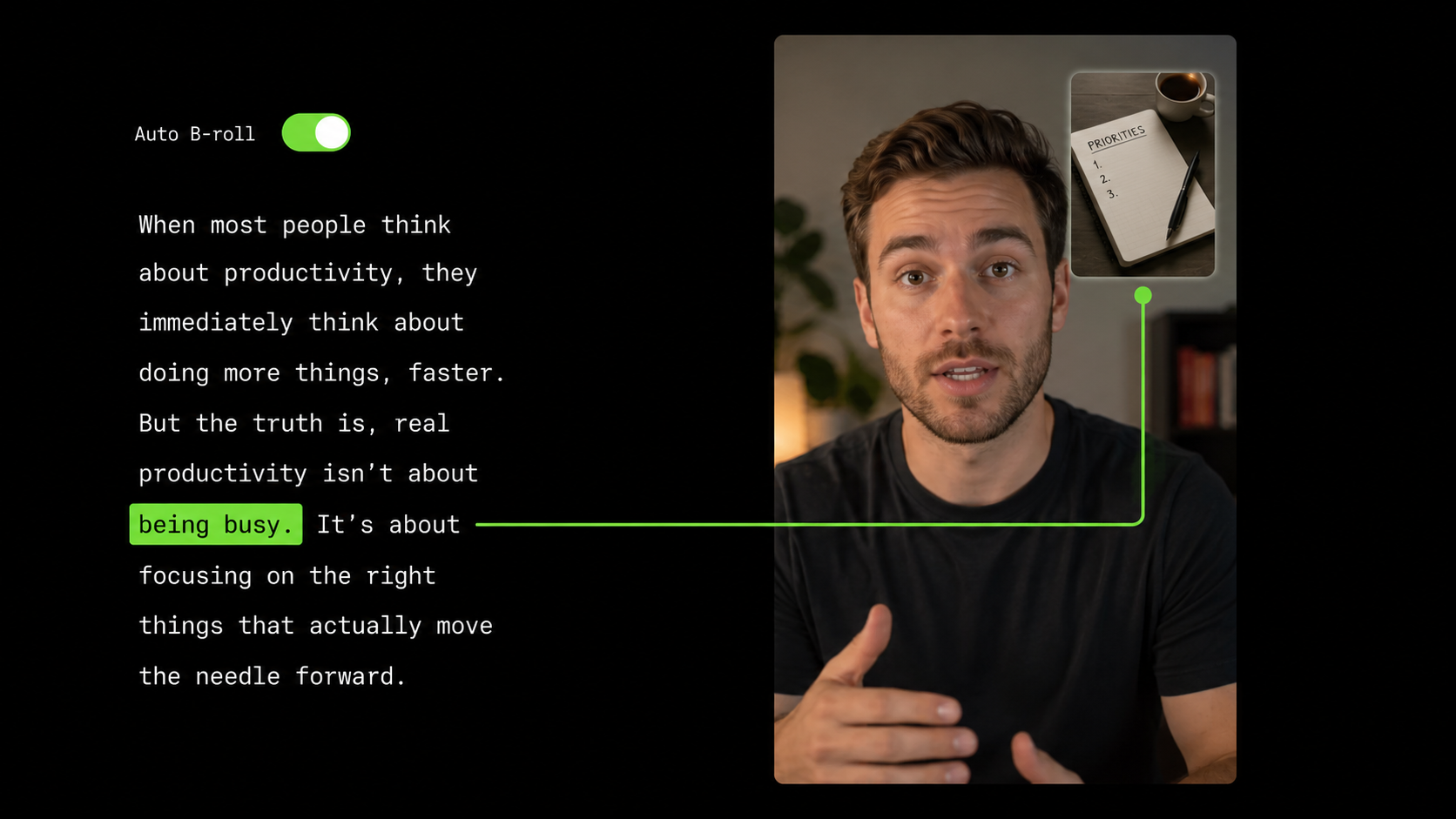
B-Roll That Actually Belongs There

The AI reads your transcript and drops in graphics, text overlays, GIFs, and images exactly where your words call for them. Transitions, animations, and sound effects included — fully customizable.

0:00Hey everyone, welcome back to the channel. Todaywe're talking about something I've beenresearching for three months.Nobody's really covered this properly and I thinkit's going to change the way you look at things.So let's just jump right into it, um, the firstpoint I want to make is really important.+ Add B-roll+ Text overlay✕ Delete0:003:42

Edit Your Video Like a Google Doc

Your entire video, laid out as text. Highlight any phrase to drop in B-roll or overlays at that exact moment — or delete it entirely. No timeline. No scrubbing. Just words.

Before cleanupumuhAfter cleanup✓ Clean

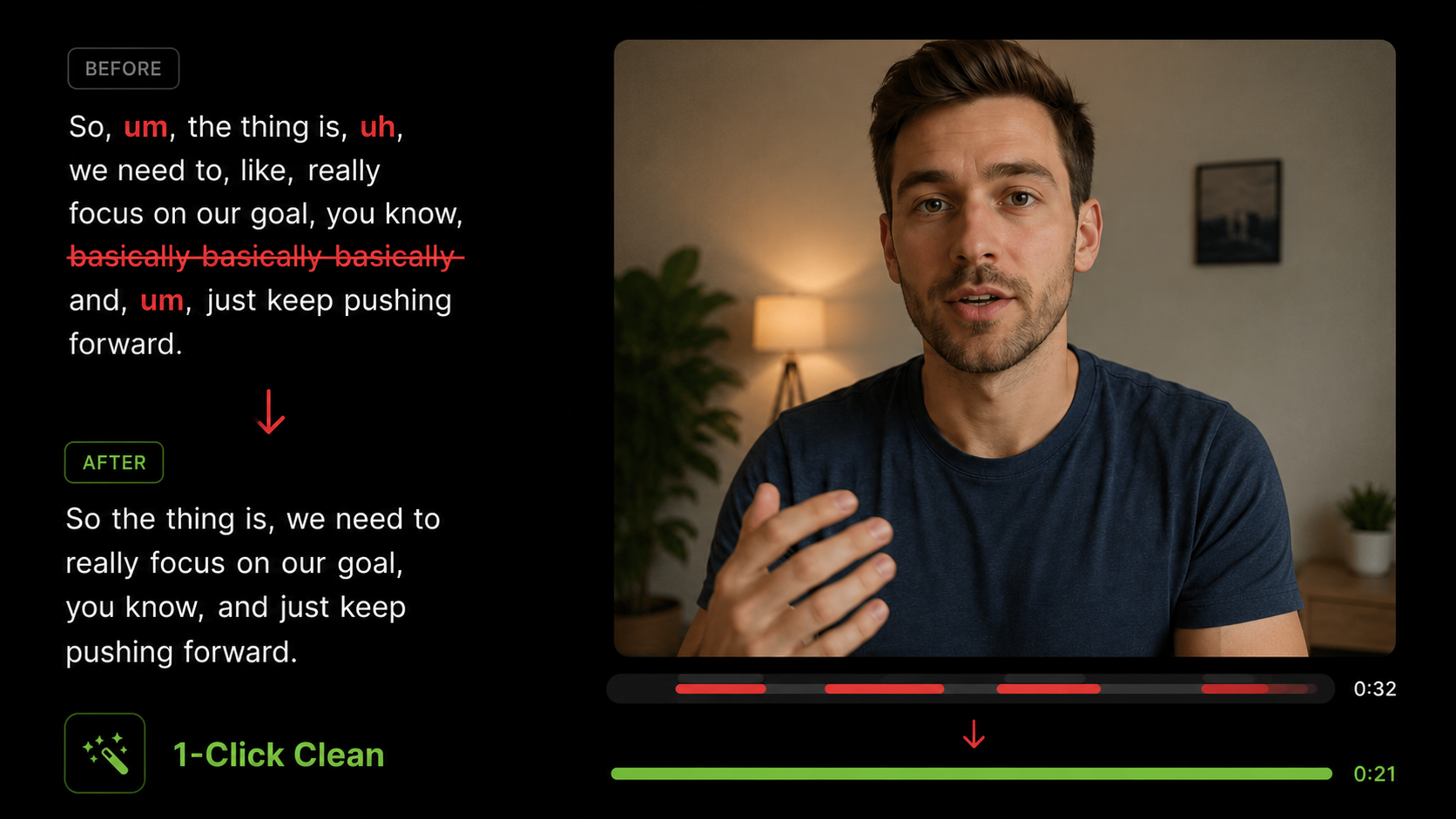
Every 'Um' Gone. Every Word Crisp.

Filler words, dead air, and retake mistakes vanish in one click. Your voice comes through sharp and confident on every single short just in one click

I made $0 doingeverything 'right'Here's what no one tellsyou about the first yearAuto-generatedHook from transcriptcentered videocaptions below1-click buildExport toTikTokInstagram ReelsYouTube ShortsExport all →

The Layout Flooding TikTok — Built in One Click

Upload any video and NextClip builds the layout automatically — centered video on black, bold AI-generated hook above, clean captions below. The format flooding TikTok and Reels, built in one click.

How It Works

Go From Long Video to Viral Short in 3 Steps

No learning curve. No manual work. Most creators are posting their first short within minutes.

01

Upload Your Video

Paste a YouTube link or upload any long video — podcasts, interviews, vlogs, webinars. Any length. Any format. NextClip handles it all.

02

AI Does the Heavy Lifting

The AI finds your best moments, adds scroll-stopping captions, drops in relevant B-roll, cleans your audio, and formats everything for vertical video.

03

Download & Post

Your finished shorts are ready. Download them or publish directly to TikTok, Instagram Reels, and YouTube Shorts — no extra editing required.

Investing in Your Growth

🎉 Save up to 35% with annual billing

Starter

For new creators just getting started

$12/month

Billed yearly · Save $72/yr

Get Started
  • 200 credits/month
  • Export in crisp 1080p HD
  • AI finds your best viral moments
  • Scroll-stopping captions — 18+ templates
  • Auto B-roll, text overlays & transitions
  • One-click filler & silence removal
  • 30 custom brand themes
Most Popular

Professional

For creators growing their audience

$25/month

Billed yearly · Save $168/yr

Get Started
  • 500 credits/month
  • Export in stunning 2K Ultra HD
  • AI finds your best viral moments
  • Scroll-stopping captions — 18+ templates
  • Auto B-roll, text overlays & transitions
  • One-click filler & silence removal
  • Unlimited brand themes
  • 2× faster processing

Business

For agencies and high-volume teams

$40/month

Billed yearly · Save $228/yr

Get Started
  • 1,000 credits/month
  • Export in cinema-grade 4K Ultra HD
  • AI finds your best viral moments
  • Scroll-stopping captions — 18+ templates
  • Auto B-roll, text overlays & transitions
  • One-click filler & silence removal
  • Unlimited brand themes
  • 3× fastest processing
  • 24/7 priority support

You’re 5 Minutes Away From Your Best Video Yet.

Every podcast episode, interview, and vlog you've recorded is full of moments people would stop scrolling for. NextClip finds them, polishes them, and gets them in front of your audience — in minutes, not hours.

Get Started For Free

No credit card required

Frequently Asked Questions

What makes NextClip different from OpusClip and similar tools?

Most clipping tools stop at finding the moment. You still get a rough cut with broken captions, random B-roll, and an editor you have to fight to fix it. NextClip goes further — it finds the clip, adds contextually relevant B-roll, Text hook, applies scroll-stopping captions, cleans your audio, and hands you a short that's actually ready to post. No fixing required.

Does the AI actually pick the right moments?

It's designed to find genuine hooks — strong openings, emotional peaks, surprising statements, and quotable moments — not just the loudest parts. And if you disagree with a clip, you're always in control. You can reject it, trim it, or highlight any part of the transcript yourself to build your own clip exactly where you want it.

What kind of videos work best with NextClip?

Anything with spoken content — podcasts, YouTube videos, interviews, webinars, educational content, vlogs, and talking-head videos. If someone is speaking, NextClip can find what's worth clipping.

Can I cancel anytime?

Yes, no contracts, no cancellation fees. Cancel any time from your account settings. Monthly subscribers keep access until the end of their billing period. Annual subscribers keep access through their paid period. No runaround.

Is my video content safe and private?

Your videos are stored with industry-standard encryption and are never shared, sold, or used for any purpose other than delivering your shorts. You own your content fully and can delete it from our servers at any time.